How to Build a Production-Ready Mobile App with Kotlin Multiplatform (in Days)
Looking to launch Android and iOS apps fast? Learn how to build a production-ready mobile app using Kotlin Multiplatform: with auth, payments, CI/CD, and more, all from a single codebase.
Posted by
 Vivien Mahé
Related reading
Set up a Kotlin Multiplatform SQLDelight database
Learn how to set up a Kotlin Multiplatform SQLDelight database with CRUD operations, migrations, and platform-specific drivers.
Kotlin Multiplatform image loading with Coil 3 in 2026
Learn how to load and cache images in Kotlin Multiplatform using Coil 3 with this comprehensive guide for Compose Multiplatform.
Kotlin Multiplatform in-app purchases with RevenueCat
Learn how to implement in-app purchases and subscriptions in your Kotlin Multiplatform app using RevenueCat with our step-by-step guide.
Introduction
1. What does "production-ready" actually mean?
- 🔐 Authentication (Firebase Auth or OAuth)
- 💳 Monetization (subscriptions or in-app purchases)
- 🔔 Notifications (local and push)
- 🧪 Error handling and analytics
- 🚀 CI/CD pipelines to automate testing and releases
- 💾 Offline support, caching, or local database
- 📲 Store compliance with App Store and Play Store
2. Why Kotlin Multiplatform is the right choice in 2025
- ✅ Compose on Android, SwiftUI/UIKit on iOS
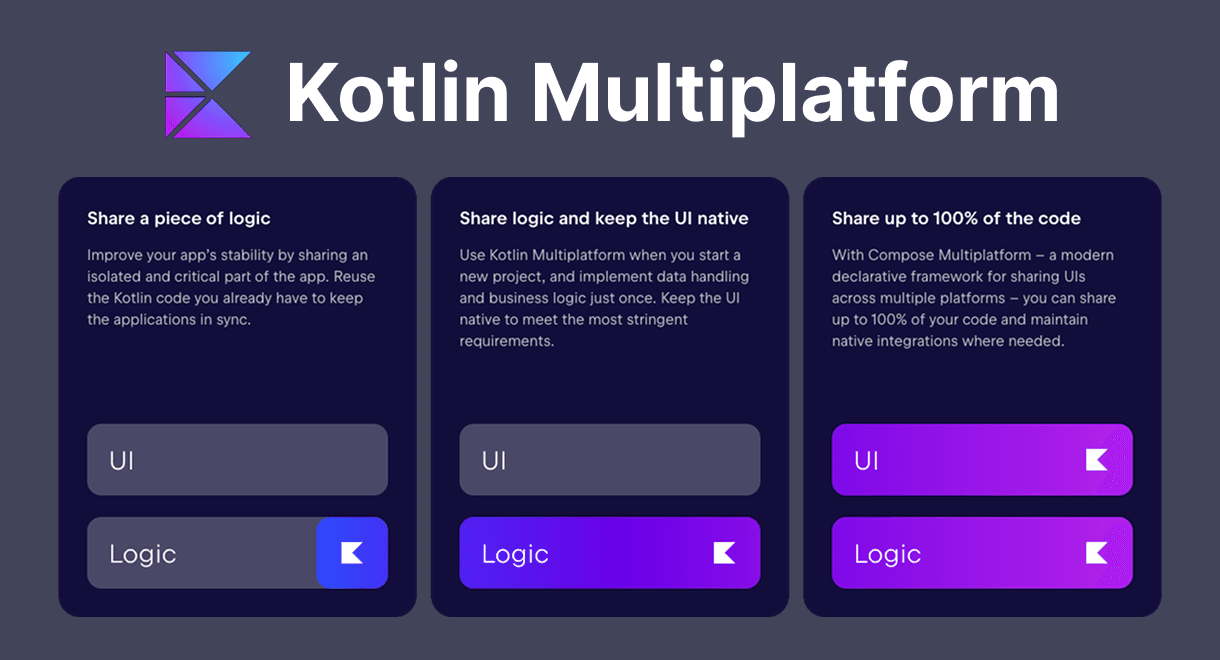
- ✅ Shared codebase for networking, storage, and logic
- ✅ JetBrains ecosystem with strong support and tooling
- ✅ No rendering engine, just real native views
3. The core features every production app needs
- Authentication: Firebase Authentication makes it easy to support Google, Apple, and email/password login out of the box.
- Monetization: RevenueCat handles cross-platform subscriptions and in-app purchases. No need to deal with Google Play Billing or StoreKit directly.
- Notifications: Local reminders and push notifications are essential for engagement. These should work on both Android and iOS.
- CI/CD: Automate your Play Store and App Store builds with Fastlane and GitHub Actions.
- Offline support: Apps should gracefully handle bad networks. That means local caching and/or a built-in database.
- Architecture: Clean structure with MVVM, DI, and modular design to stay maintainable as your app grows.
4. What KMPShip includes out of the box
- 📱 One shared Kotlin codebase for Android and iOS
- 🔐 Auth: Google, Apple, and Email via Firebase
- 💳 Payments: Subscriptions and in-app purchases via RevenueCat
- 🔔 Notifications: Local and push using the open-source Alarmee library
- 🚀 CI/CD: Fastlane + GitHub Actions to deploy directly to stores
- 💾 Database: Local storage and offline mode
- 🧱 Architecture: MVVM, Koin DI, Ktor for networking, Voyager for navigation
- 🧪 Sample app: Preconfigured and ready to explore
- 📚 Documentation: Covers setup, usage, and deployment
- 👥 Private Discord: For support and discussion with other users
5. How to go from idea to store-ready build in days
- Clone the repo and set up Firebase + RevenueCat, if needed
- Customize your app name, icon, and colors to match your branding
- Add your own features
- Test directly on Android and iOS devices
- Create a new release on your GitHub repo and let GitHub Actions handle the deployment to the stores
6. When not to use a boilerplate
- You're working on an app with highly custom native UI per platform
- Your team already has mature internal tooling
- You want total control over every detail from day one
7. Conclusion
Build your KMP app faster
Skip the setup and start shipping with a production-ready Kotlin Multiplatform starter kit.
