Compose Multiplatform template in 2026: why basic starters fail and what you actually need
Basic Compose Multiplatform templates leave you weeks away from production. Learn what's missing from starter projects and what a production-ready template should include.
Posted by
 Vivien Mahé
Related reading
Set up a Kotlin Multiplatform SQLDelight database
Learn how to set up a Kotlin Multiplatform SQLDelight database with CRUD operations, migrations, and platform-specific drivers.
Kotlin Multiplatform image loading with Coil 3 in 2026
Learn how to load and cache images in Kotlin Multiplatform using Coil 3 with this comprehensive guide for Compose Multiplatform.
Kotlin Multiplatform in-app purchases with RevenueCat
Learn how to implement in-app purchases and subscriptions in your Kotlin Multiplatform app using RevenueCat with our step-by-step guide.
The archived template problem
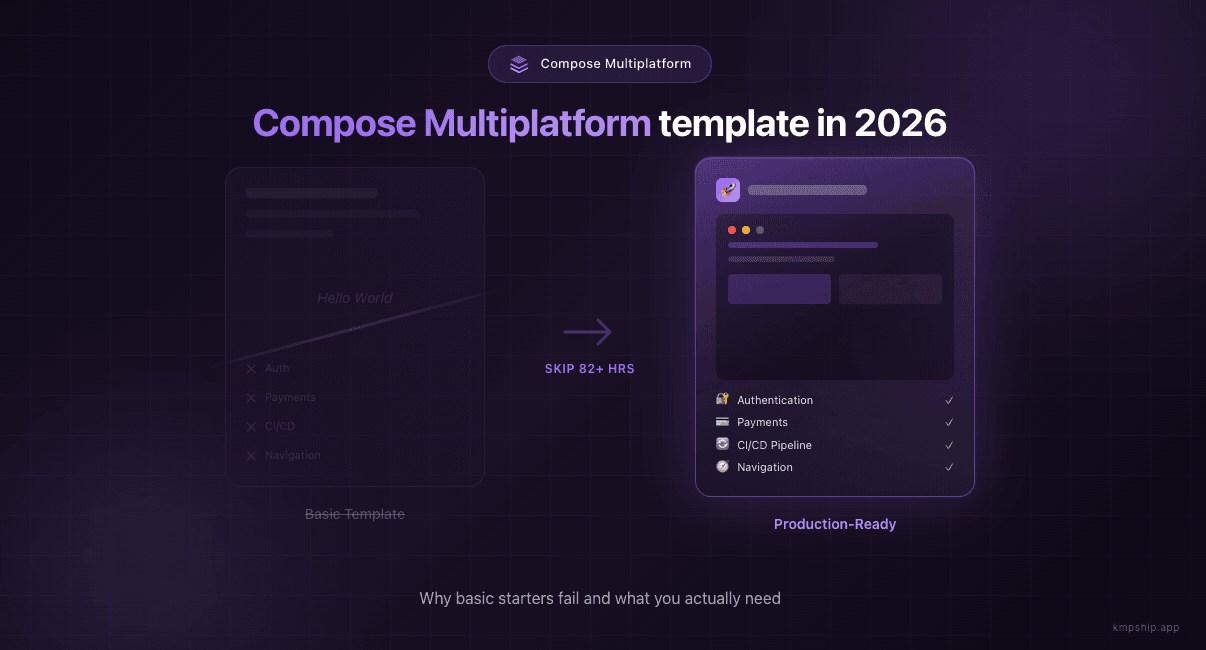
What basic templates give you
- A shared module structure
- Basic Gradle configuration
- A simple UI that displays text
- Maybe some platform-specific expect/actual examples
No authentication
- Sign in with Apple (required for iOS App Store if you offer any social login)
- Sign in with Google
- Email/password fallback
- Token management and refresh logic
- Secure credential storage on both platforms
No payment infrastructure
- In-app purchases for iOS and Android
- Subscription management
- Paywall UI
- Receipt validation
- Handling edge cases (restore purchases, family sharing, grace periods)
No CI/CD pipeline
- GitHub Actions or similar workflow
- Code signing for both platforms
- Fastlane integration
- TestFlight and Play Store deployment
- Environment variable management
No production architecture
- How to structure navigation for a real app
- Where to put your business logic
- How to handle dependency injection
- How to manage state across platforms
- How to write tests that run on both platforms
The real cost of starting from scratch
| Task | Hours |
|---|---|
| Authentication setup | 16h |
| Payment integration | 12h |
| CI/CD pipelines | 18h |
| Navigation architecture | 8h |
| Dependency injection setup | 4h |
| Analytics integration | 4h |
| Push notifications | 6h |
| Design system basics | 8h |
| Testing infrastructure | 6h |
| Total | 82+ hours |
What a production-ready template should include
Production-ready template checklist
- Authentication - Pre-configured sign-in with Apple, Google, and email. Token management handled. Secure storage implemented.
- Payments - RevenueCat or similar integration. Paywall UI ready. Subscription logic working.
- CI/CD - GitHub Actions configured. Code signing set up. One push to deploy to TestFlight and Play Store.
- Navigation - Type-safe navigation architecture. Deep linking support. Back stack management.
- Architecture - Clean separation of concerns. Dependency injection configured. Repository pattern implemented.
- UI Components - Design system with buttons, inputs, cards. Dark mode support. Responsive layouts.
- Testing - Unit test setup for shared code. UI test infrastructure. Mock implementations ready.
- Analytics - Event tracking integrated. User properties configured. Privacy-compliant.
- Notifications - Push notification setup for both platforms. Local notification support.
How KMPShip solves this
Authentication ready
kotlin// Complete authentication flow (already implemented) class AuthRepository( private val authService: AuthService, private val tokenStorage: TokenStorage ) { suspend fun signInWithGoogle(): Result<User> { return try { val credential = authService.getGoogleCredential() val response = authService.signInWithCredential(credential) tokenStorage.saveAuthToken(response.token) Result.success(response.user) } catch (e: Exception) { Result.failure(e) } } suspend fun signInWithApple(): Result<User> { // Apple Sign In already implemented } suspend fun signInWithEmail( email: String, password: String ): Result<User> { // Email/password auth already implemented } }
Payments configured
kotlin// Payment handling (pre-configured) class PaymentManager( private val revenueCat: RevenueCat ) { suspend fun purchaseSubscription( packageId: String ): Result<PurchaseResult> { return try { val purchase = revenueCat.purchase(packageId) Result.success(purchase) } catch (e: Exception) { Result.failure(e) } } suspend fun getActiveSubscription(): Subscription? { val customerInfo = revenueCat.getCustomerInfo() return customerInfo.activeSubscriptions.firstOrNull() } suspend fun restorePurchases(): Result<CustomerInfo> { return try { val restored = revenueCat.restorePurchases() Result.success(restored) } catch (e: Exception) { Result.failure(e) } } }
CI/CD done
Automated workflows included
- Pull Request checks - Lint, test, and build verification
- Automated beta deployments - Push to TestFlight and Play Store Beta
- Production releases - One command to ship to both app stores
- Version management - Automated versioning and changelog generation
- Signing & certificates - All the painful configuration done for you
Navigation architected
kotlin// Shared navigation graph across Android and iOS @Composable fun AppNavigation() { NavHost(startDestination = Screen.Home) { composable<Screen.Home> { HomeScreen( onNavigateToProfile = { navController.navigate(Screen.Profile) } ) } composable<Screen.Profile> { ProfileScreen( onNavigateBack = { navController.popBackStack() } ) } composable<Screen.Settings> { SettingsScreen( onNavigateBack = { navController.popBackStack() } ) } } }
Clean architecture
kotlin// Dependency injection with Koin val appModule = module { single { UserRepository(get()) } single { SettingsManager(get()) } viewModel { HomeViewModel(get()) } viewModel { ProfileViewModel(get()) } }
Additional features included
- UI components - Design system with common components. Theming configured. Dark mode works.
- Testing setup - Kotest configured for shared code. UI testing infrastructure in place.
- Notifications working - Push notifications via Firebase. Local notifications via Alarmee.
Who is this for?
The template landscape in 2026
| Template | Auth | Payments | CI/CD | Production-Ready |
|---|---|---|---|---|
| JetBrains Wizard | No | No | No | No |
| compose-multiplatform-template (archived) | No | No | No | No |
| KaMPKit | Basic | No | No | Partial |
| KMPShip | Yes | Yes | Yes | Yes |
Getting started
- Get access to KMPShip at kmpship.app
- Clone the repository
- Follow the setup guide (about 2 hours)
- Start building your actual features
Conclusion
Continue your KMPShip journey
- Big Tech's Secret Weapon: How Netflix, McDonald's & Cash App Ship Faster with KMP
- Kotlin Multiplatform vs Flutter vs React Native: The 2025 Developer Guide
- How to Set Up Kotlin Multiplatform: Complete Development Guide 2025
- KMPShip pricing: a tier for every stage of your product journey
Quick questions about Compose Multiplatform templates
- What kind of support do I get? - Support details by tier
- How long does setup take? - Get started in minutes, not weeks
- Can I use this for client work? - Licensing for agencies and freelancers
Ready to ship faster?
Build your KMP app faster
Skip the setup and start shipping with a production-ready Kotlin Multiplatform starter kit.
